Bringing dark mode into an existing design system
Intro
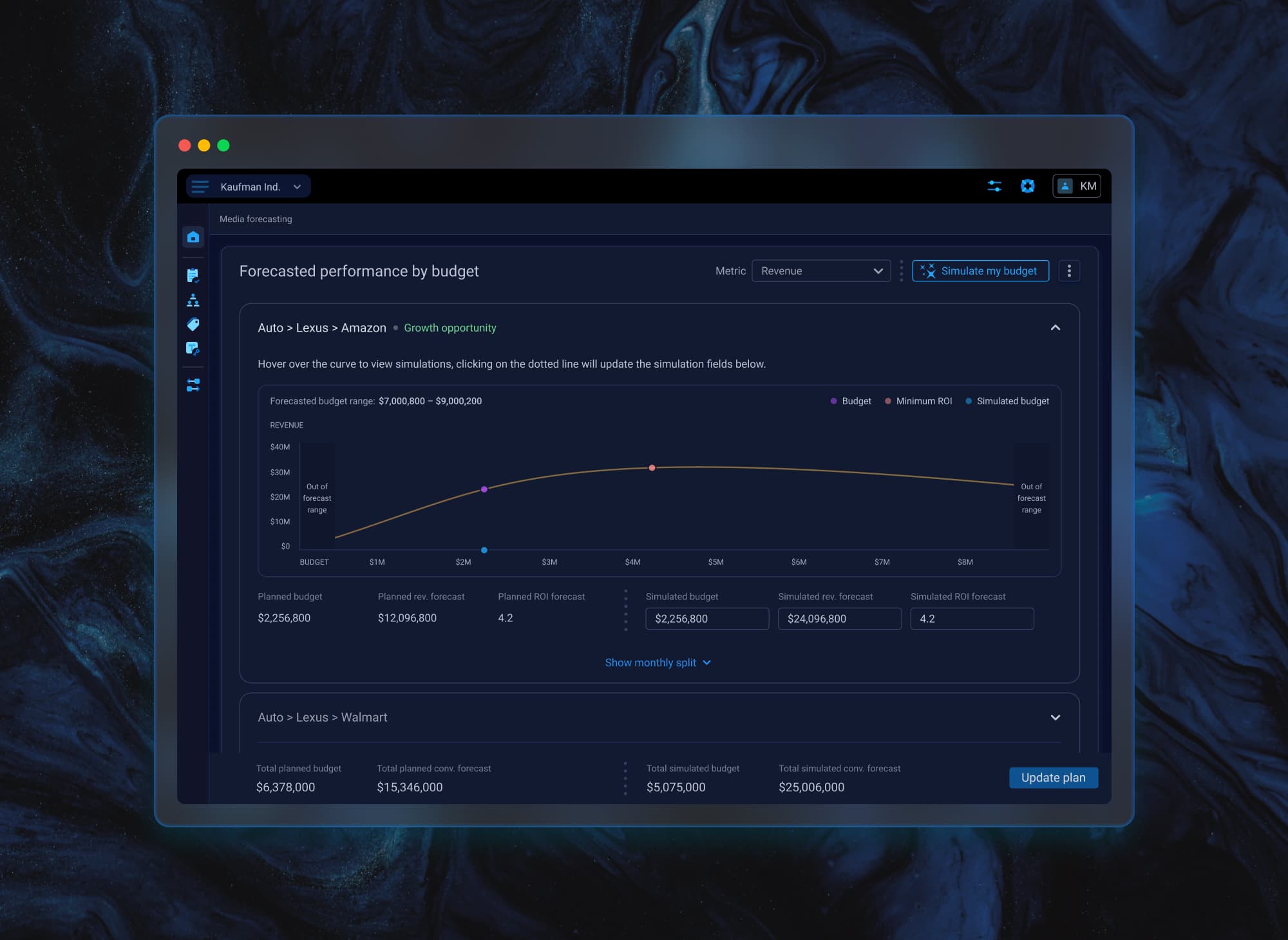
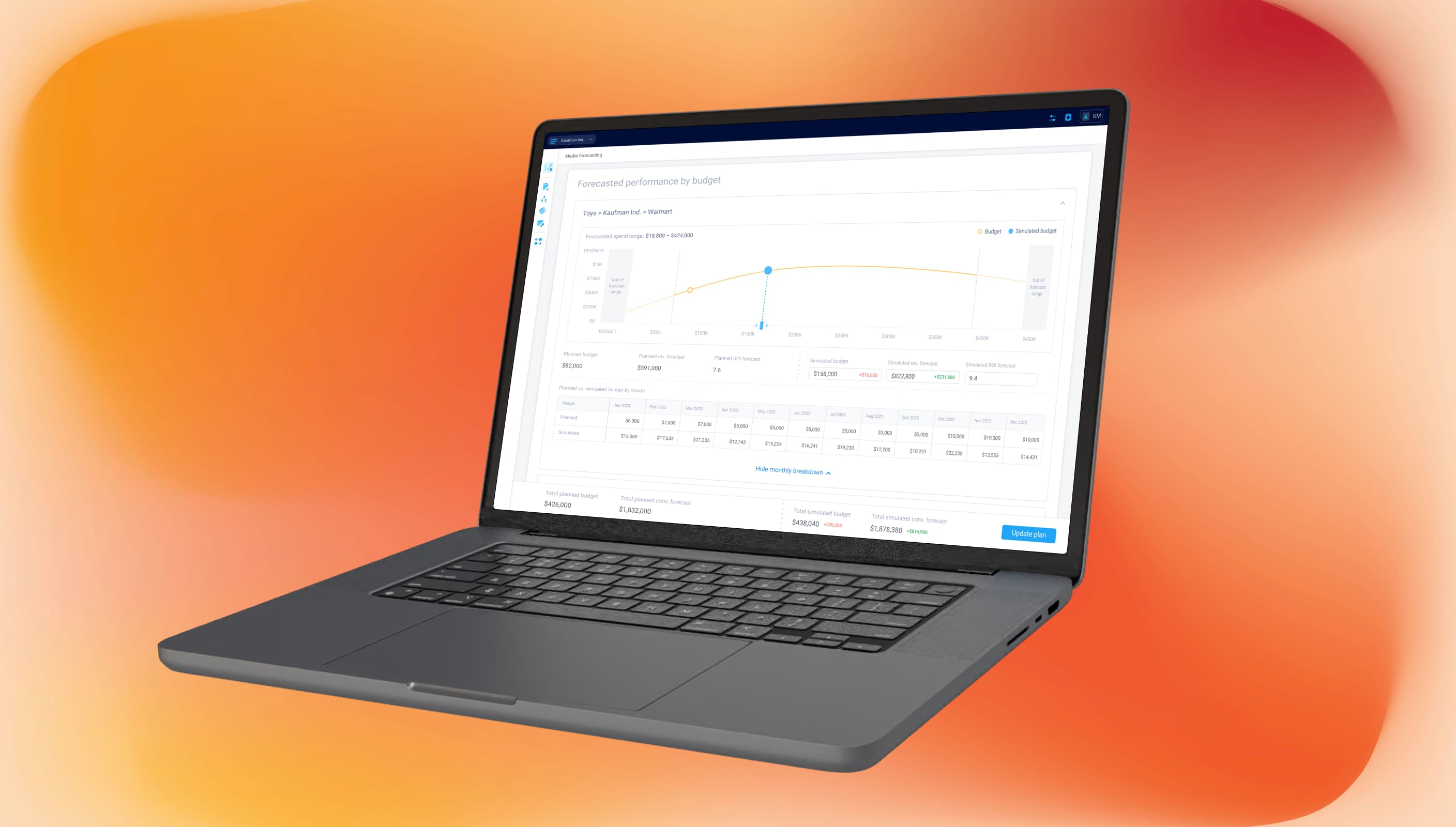
One of the main planning pain points for executive users was the lack of a simple way to evaluate budget changes before applying them live. To estimate the impact, they had to rely on manual analysis, scattered reports, or real-world budget testing — a slow and expensive process that made planning slower and more costly.
We designed a forecasting feature that lets users simulate different budget scenarios, compare projected outcomes, and understand the expected performance in seconds.
This project was created as part of my work on a large B2B software platform. The work presented here reflects my personal contribution and perspective as a designer.
Challenge
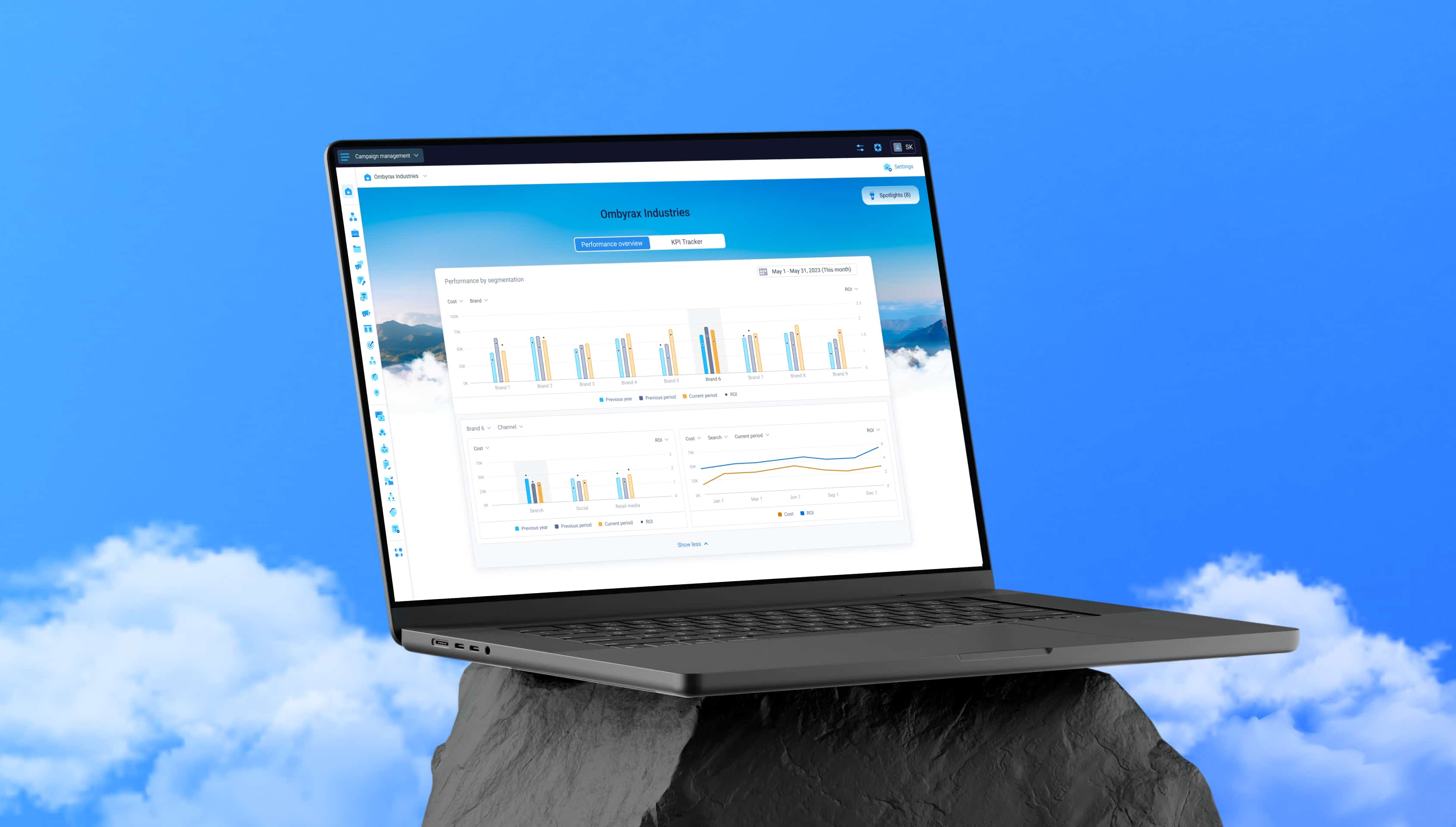
The platform had been designed entirely around a light interface, and the system was not built with theme flexibility in mind. That meant we could not approach dark mode as a simple toggle or a full redesign. The solution had to fit the existing structure, preserve the logic and hierarchy of the interface, and stay realistic from a development perspective.
At the same time, the project raised broader design questions. We had to understand how to adapt an established visual system to a darker environment, and how to make those changes without disrupting the logic that was already in place.
My role
I worked on this project together with another designer. The rest of the design team took part in the discussion and contributed feedback along the way.
Exploring the existing UI logic
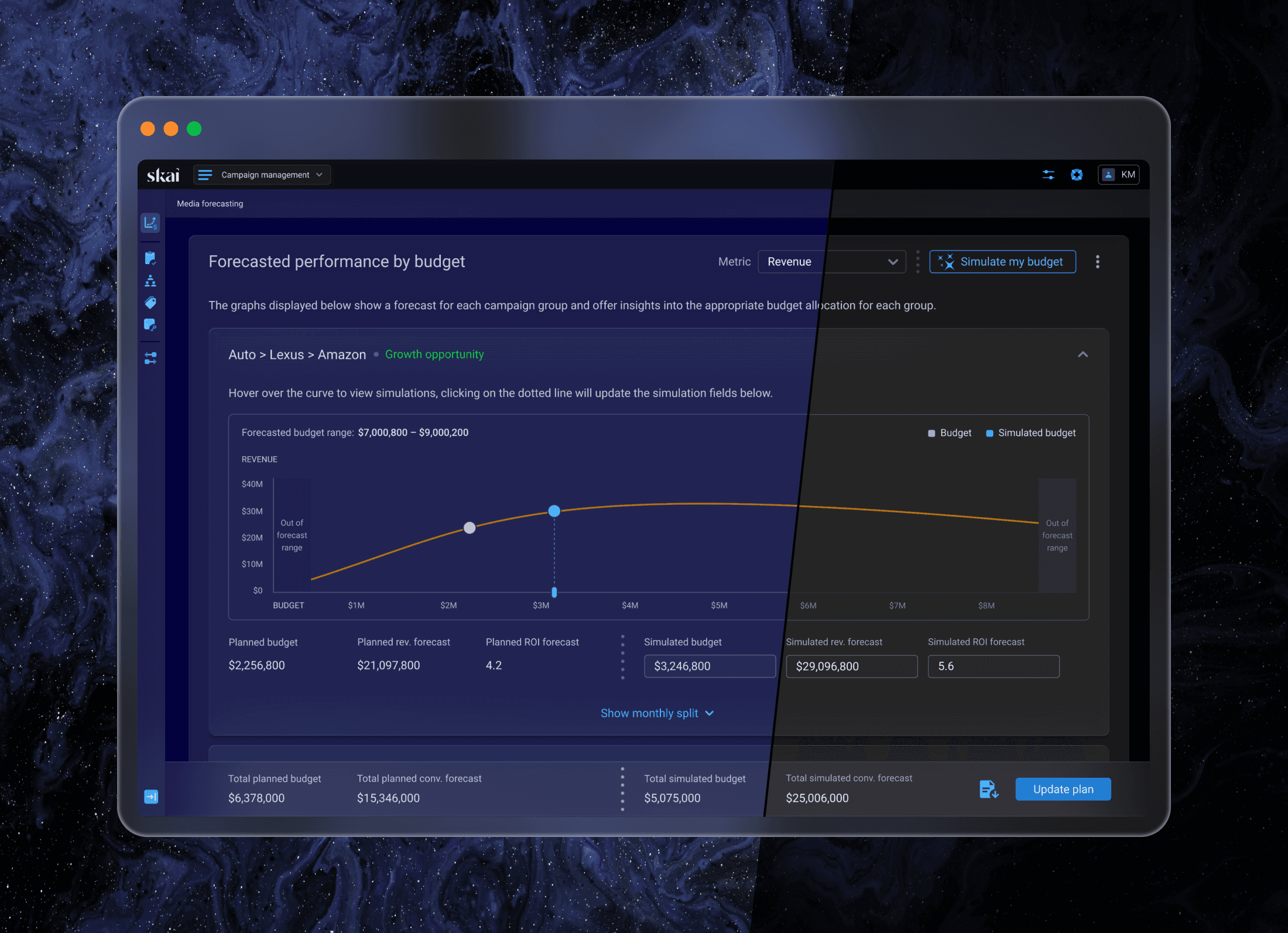
We started by exploring a few existing screens that represented different parts of the product, trying to understand whether we could change the color system while preserving the visual hierarchy of the light theme.
As we worked through the interface, we realized the system was structured enough to support that shift, even though dark mode had never been planned from the start. That gave us confidence that we could build on the existing logic instead of redesigning everything.
Defining the right tone
Once we saw that the existing logic could support a darker theme, the next question was tone. We explored several directions and also discussed whether users should be able to choose between different dark tones.
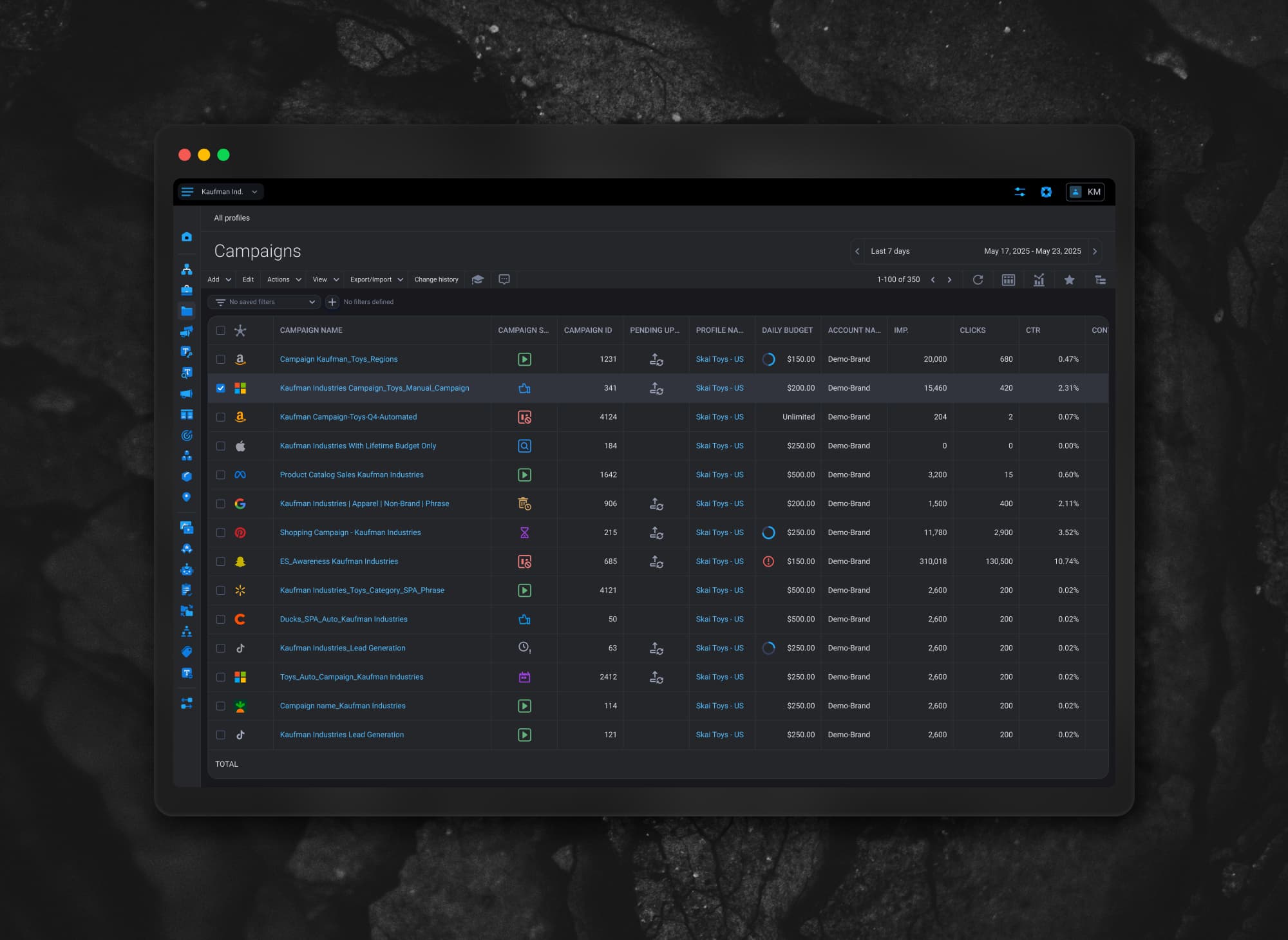
That option was eventually dropped because it would have required too much implementation work and added extra QA risk. So we narrowed the direction down to one tone and focused on the two options that felt strongest: "Dark Blue" and "Asphalt"
The team was split between them. I was in favor of the asphalt direction. Since users would not be able to choose, it felt like the safer option — more neutral, more flexible, and less risky than introducing a stronger blue tone across the whole platform.
The Pepsi vs. Cola argument
During the discussion, another designer on the team brought up the Pepsi vs Coca-Cola argument, and it perfectly captured the way I had been thinking about the decision.
The Pepsi Challenge was a blind taste test where people took a quick sip of Pepsi and Coca-Cola without knowing which one was which. Many chose Pepsi in that moment because it tasted sweeter and made a stronger first impression. But over time, many still preferred Coca-Cola as their everyday choice.
That was exactly how I saw the blue direction. It felt more striking at first glance, but since users would have to live with this tone across the whole platform, I felt the asphalt option was the stronger choice for a single static tone.

Finding the unexpected solution
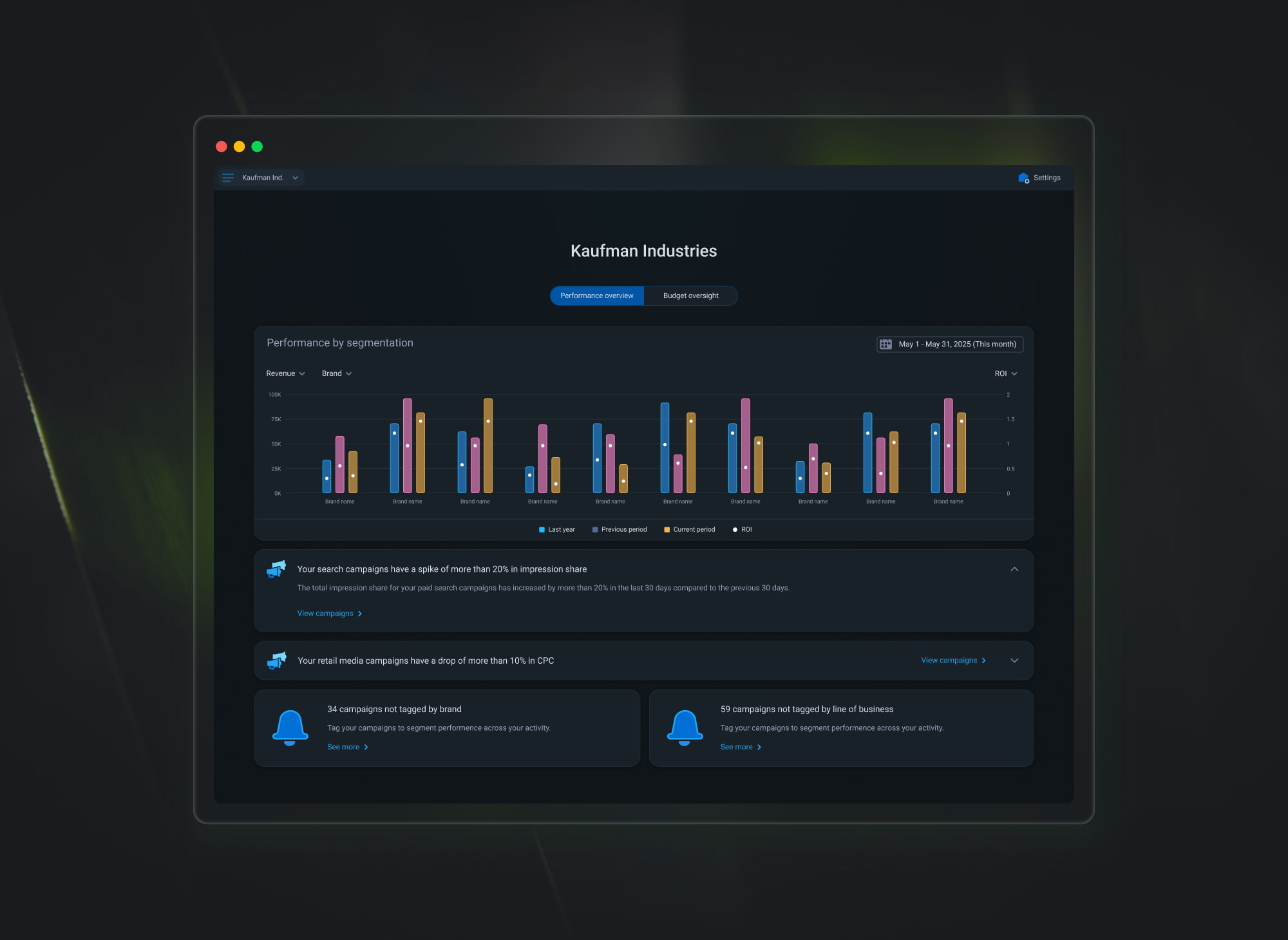
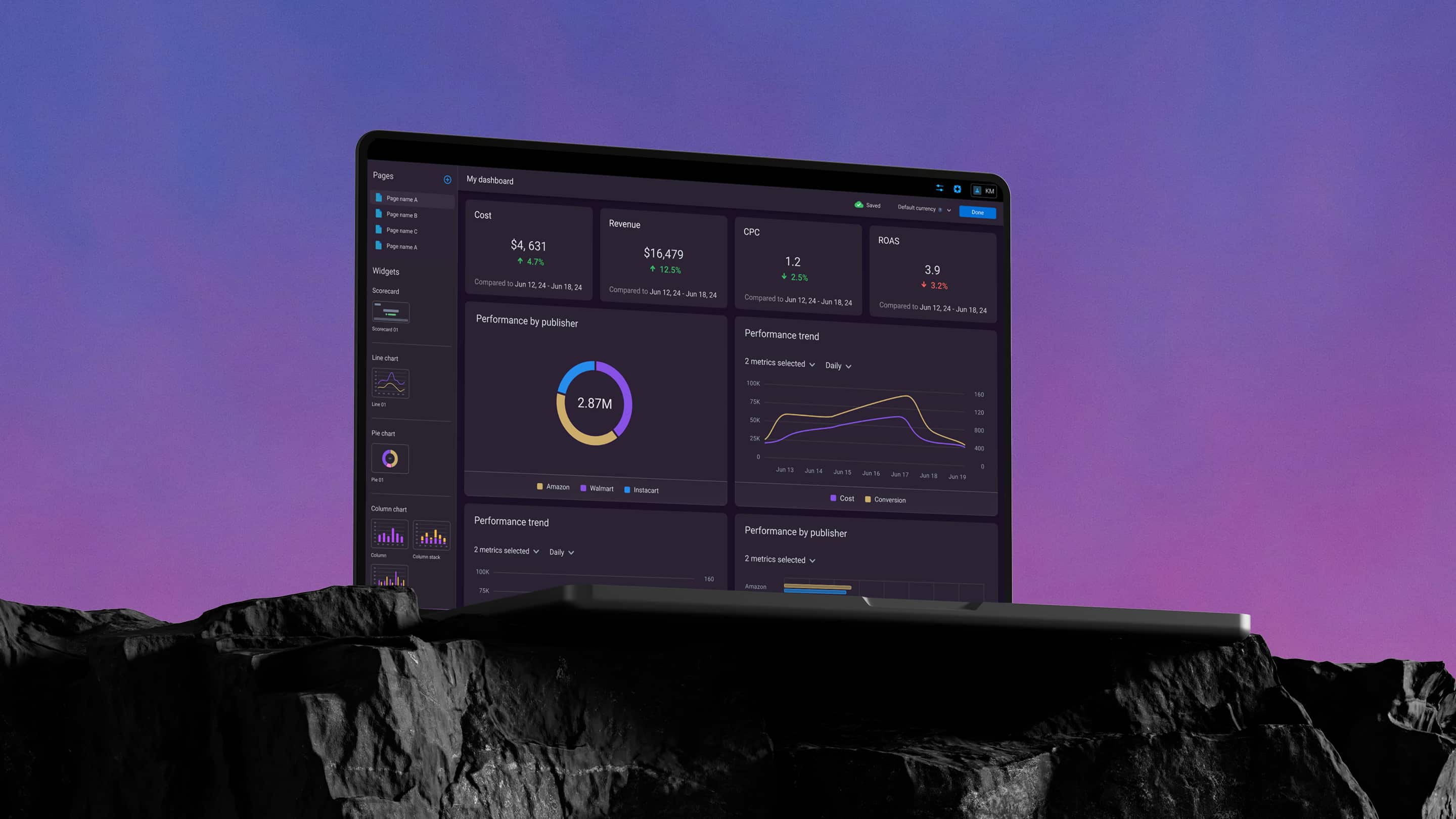
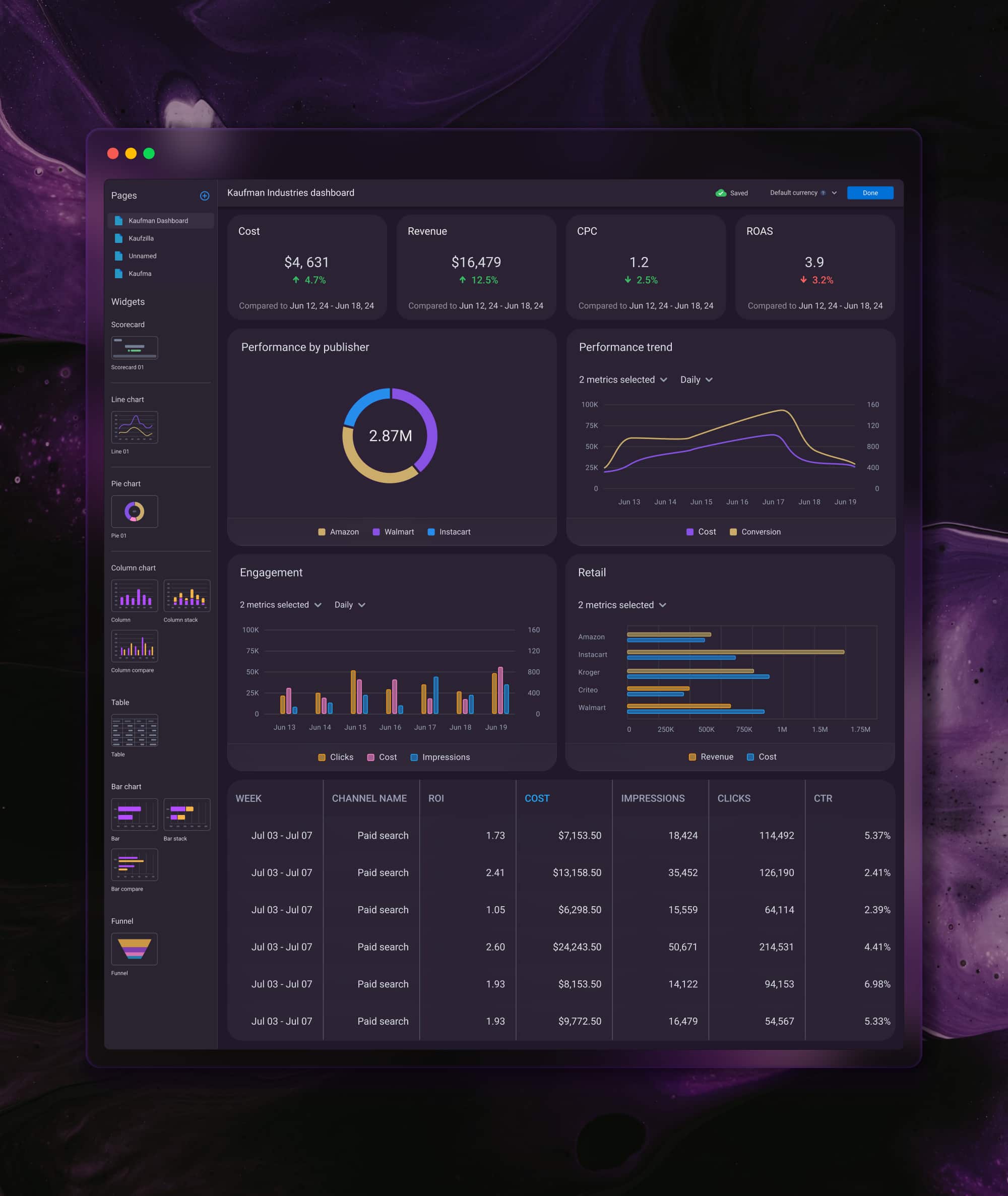
At that point, I started looking more closely at how the light theme was built. A large part of the interface relied on white sections to define cards, content areas, and hierarchy across the product. That led me to a different idea: instead of simply turning those sections dark, what if we introduced a new material — slightly transparent, with a heavily blurred glass effect.
Once we tried it in the design, it felt surprisingly natural. Because the sections now behaved more like a material layer, we could shift the main page background to different dark tones and let the rest of the interface adapt around it.
That became the core of the solution. We were still creating only one additional component style, which kept things simple for development. At the same time, we could offer a few different dark tones just by changing the main background color of the screen.
Final thoughts
By introducing a new material for the main sections, we found a way to change the tone of the interface without changing its core logic.
The result felt more intentional from a design perspective. Dark mode became something more than a simple inversion of colors — it turned into a flexible visual layer that still respected the structure and hierarchy of the existing product. It also gave us room to support a few curated dark tones without reworking the whole UI.